Clean Your Mac
The Smart Way

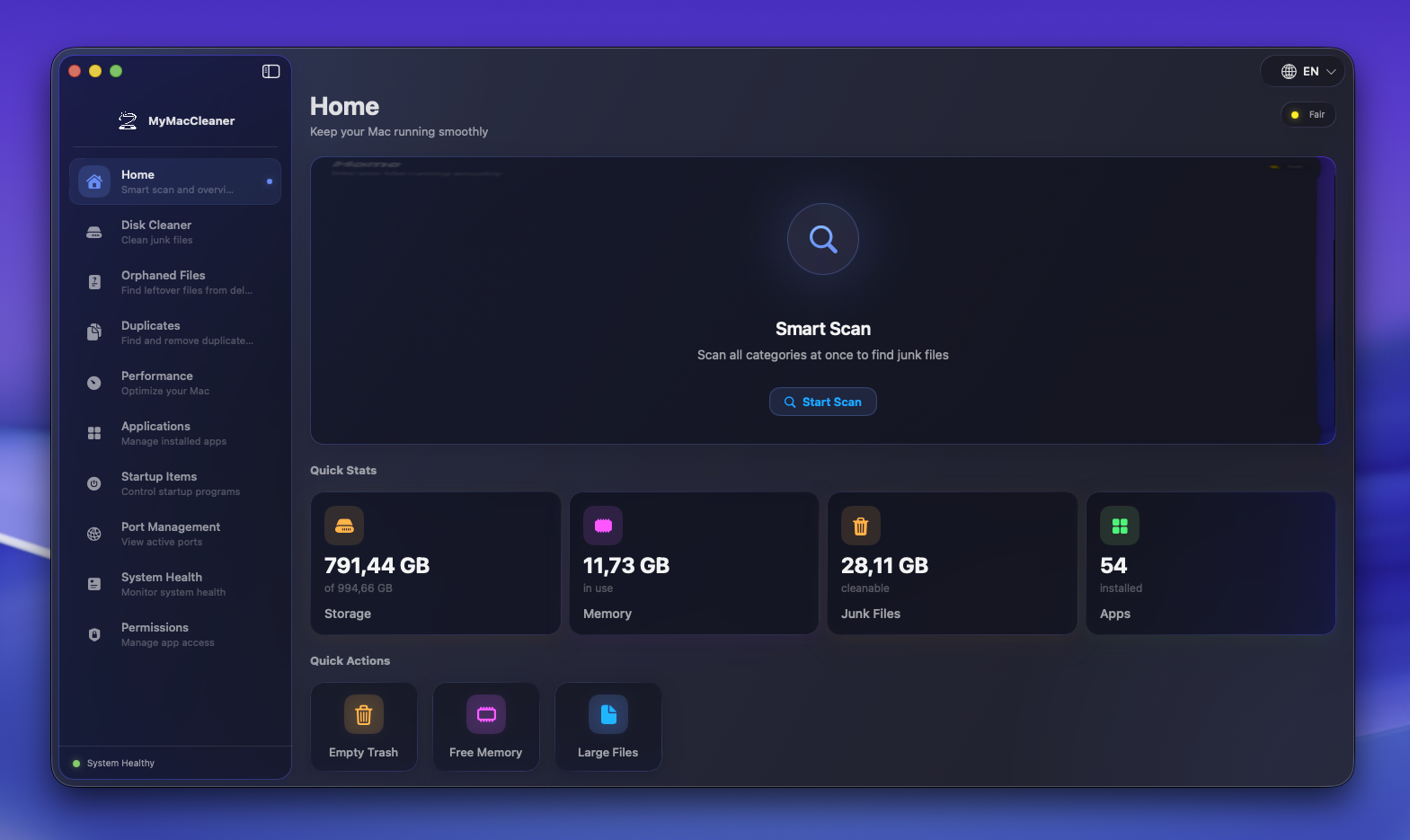
Everything You Need
A complete toolkit to keep your Mac clean, fast, and organized. All in one beautiful app.
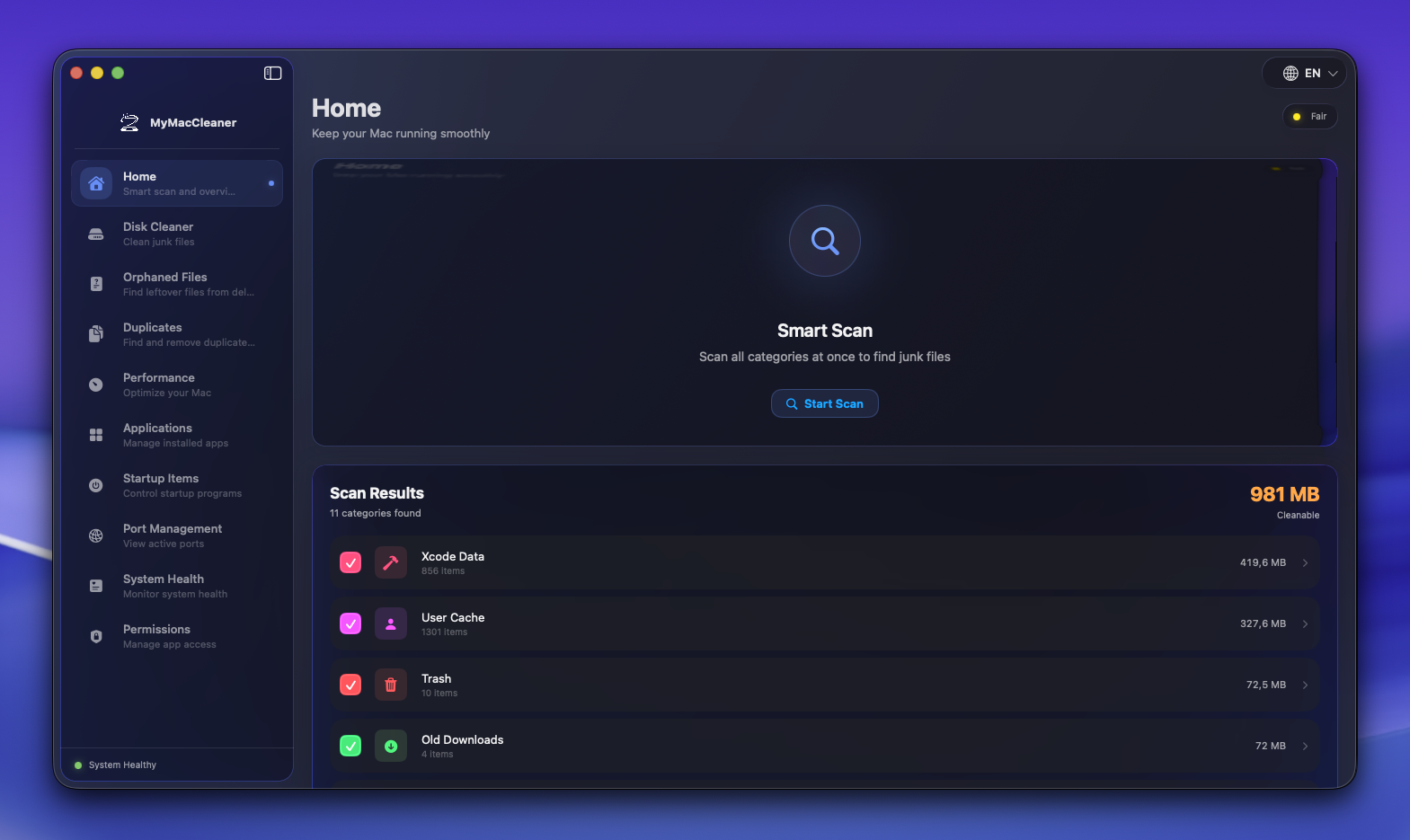
Home & Smart Scan
One-click comprehensive system scan that finds all cleanable files across multiple categories.
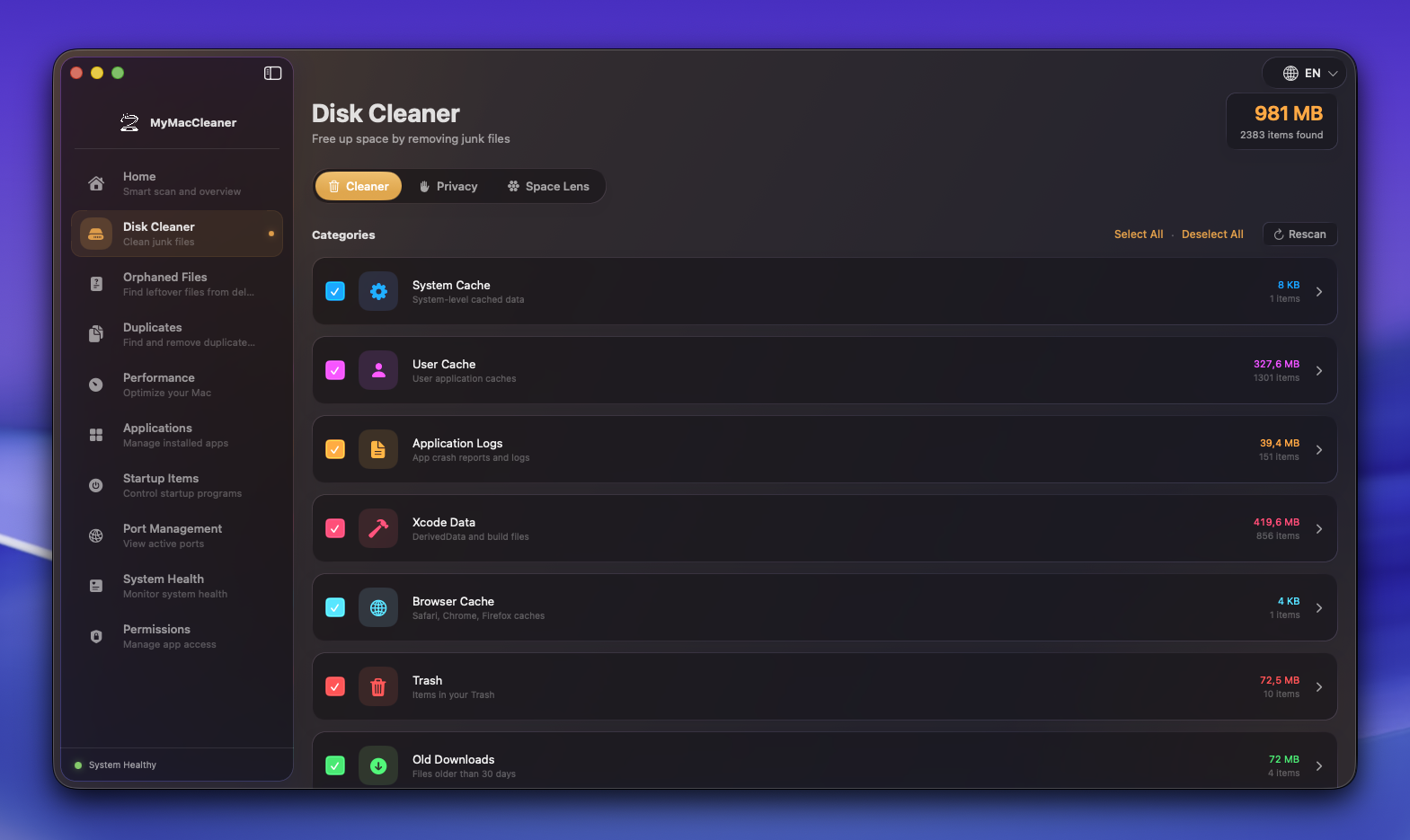
Disk Cleaner
Remove system junk, caches, logs, and temporary files to free up valuable disk space.
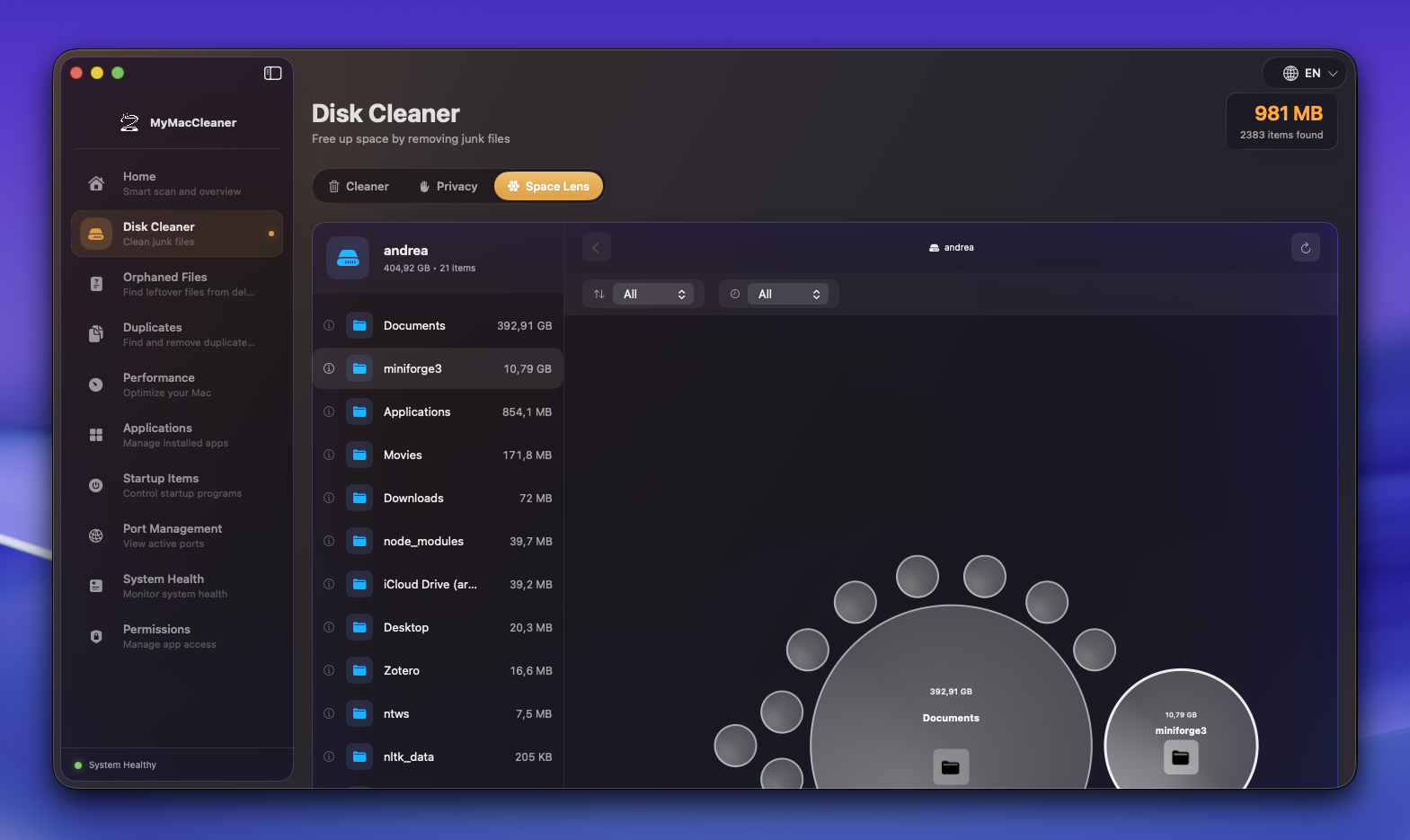
Space Lens
Visual treemap showing exactly where your storage is being used. Find large files instantly.
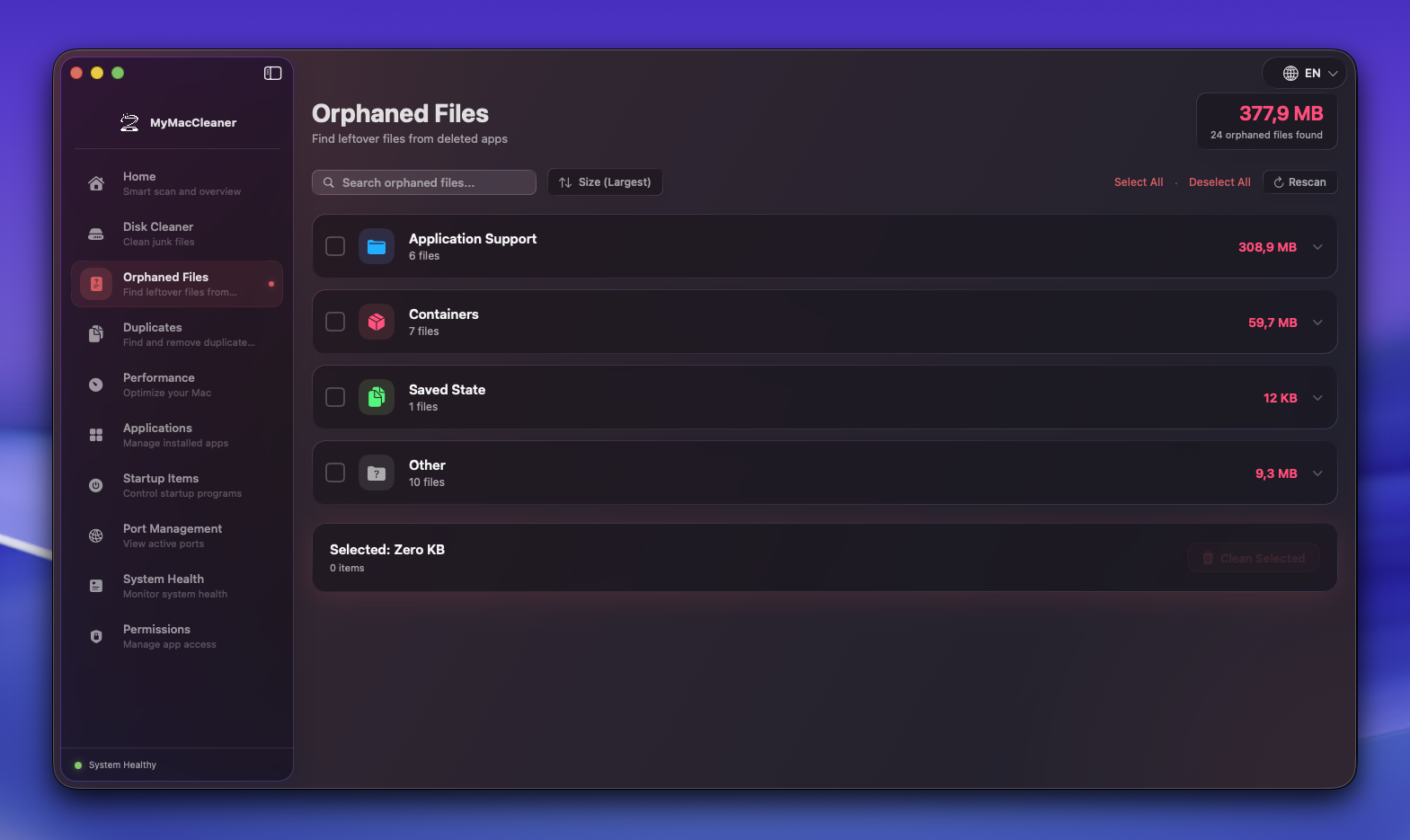
Orphaned Files
Find and remove leftover files from applications that have been uninstalled.
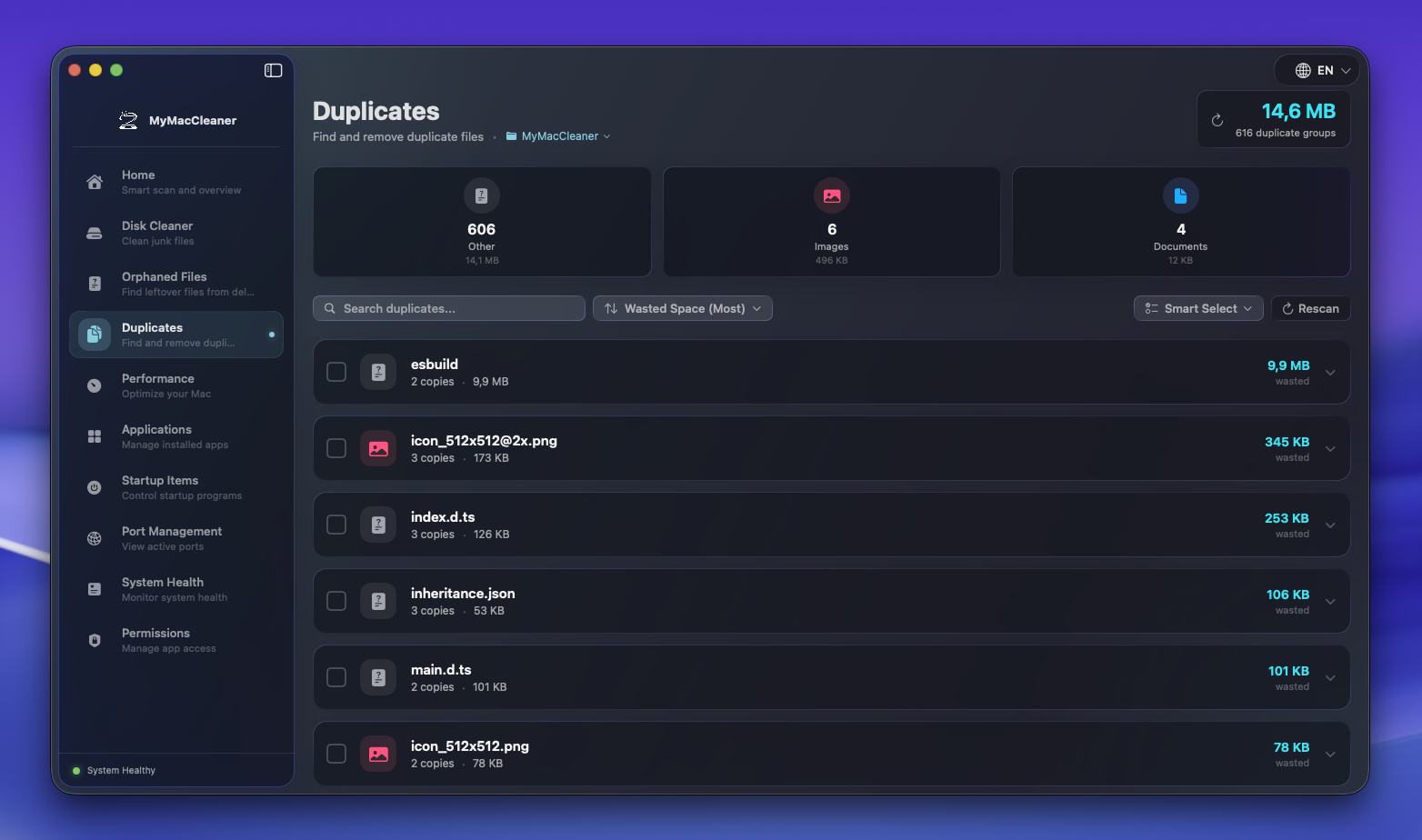
Duplicates
Find exact duplicate files using SHA256 hashing and safely remove redundant copies.
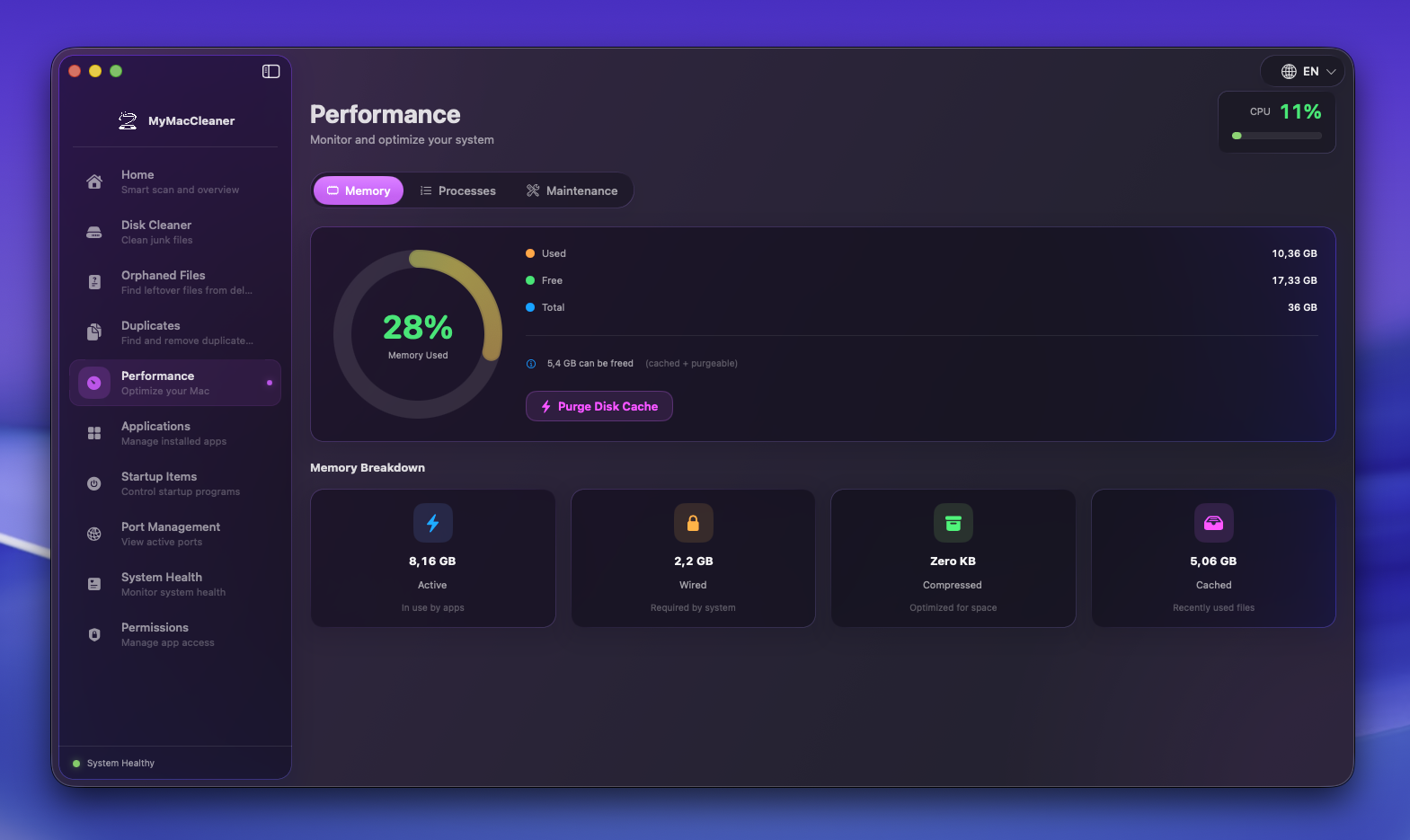
Performance
Monitor RAM usage, manage processes, and run maintenance tasks to optimize system performance.
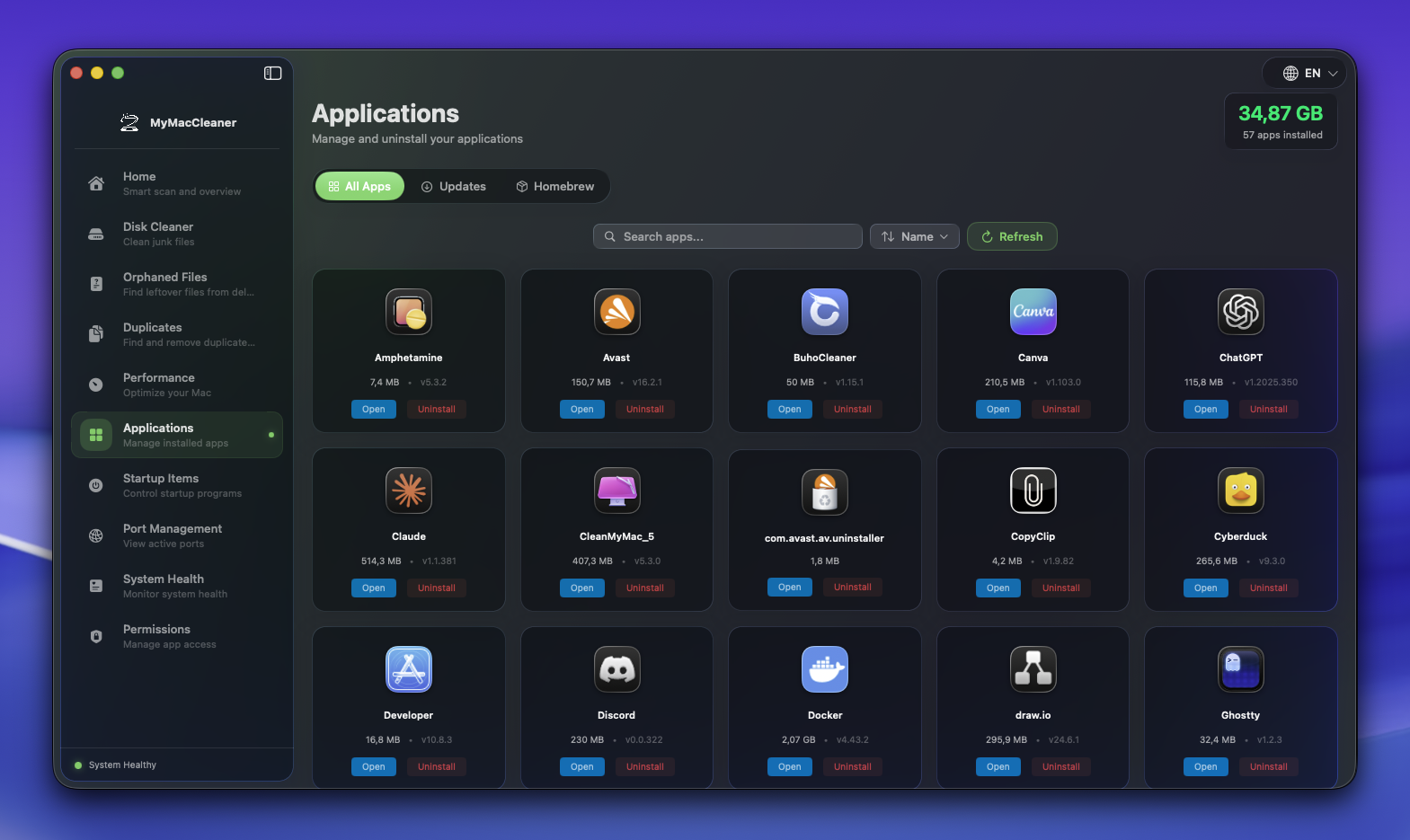
Applications
Manage all your apps, check for updates, clean uninstall with leftover detection, and Homebrew integration.
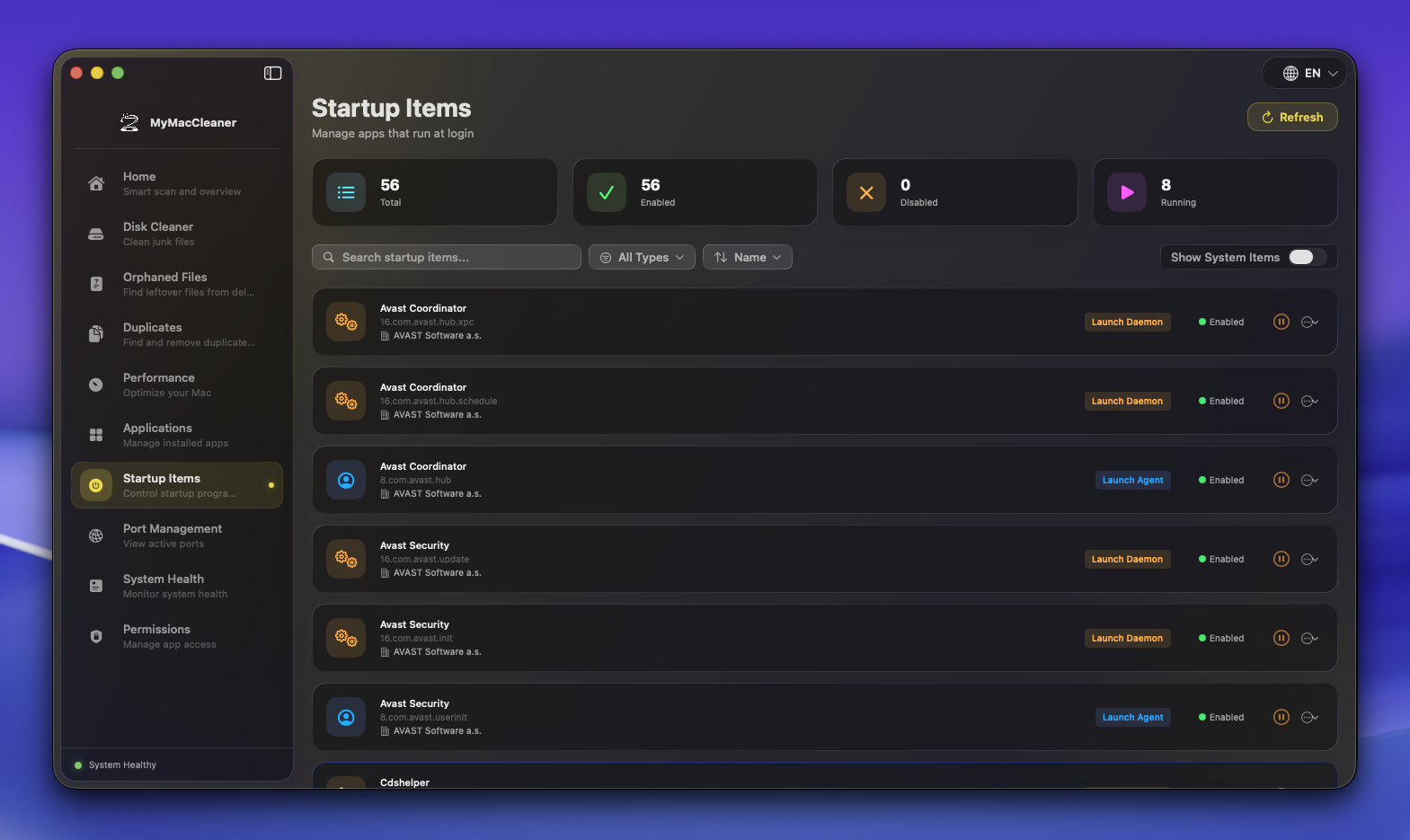
Startup Items
Manage login items and launch agents that run when your Mac starts.
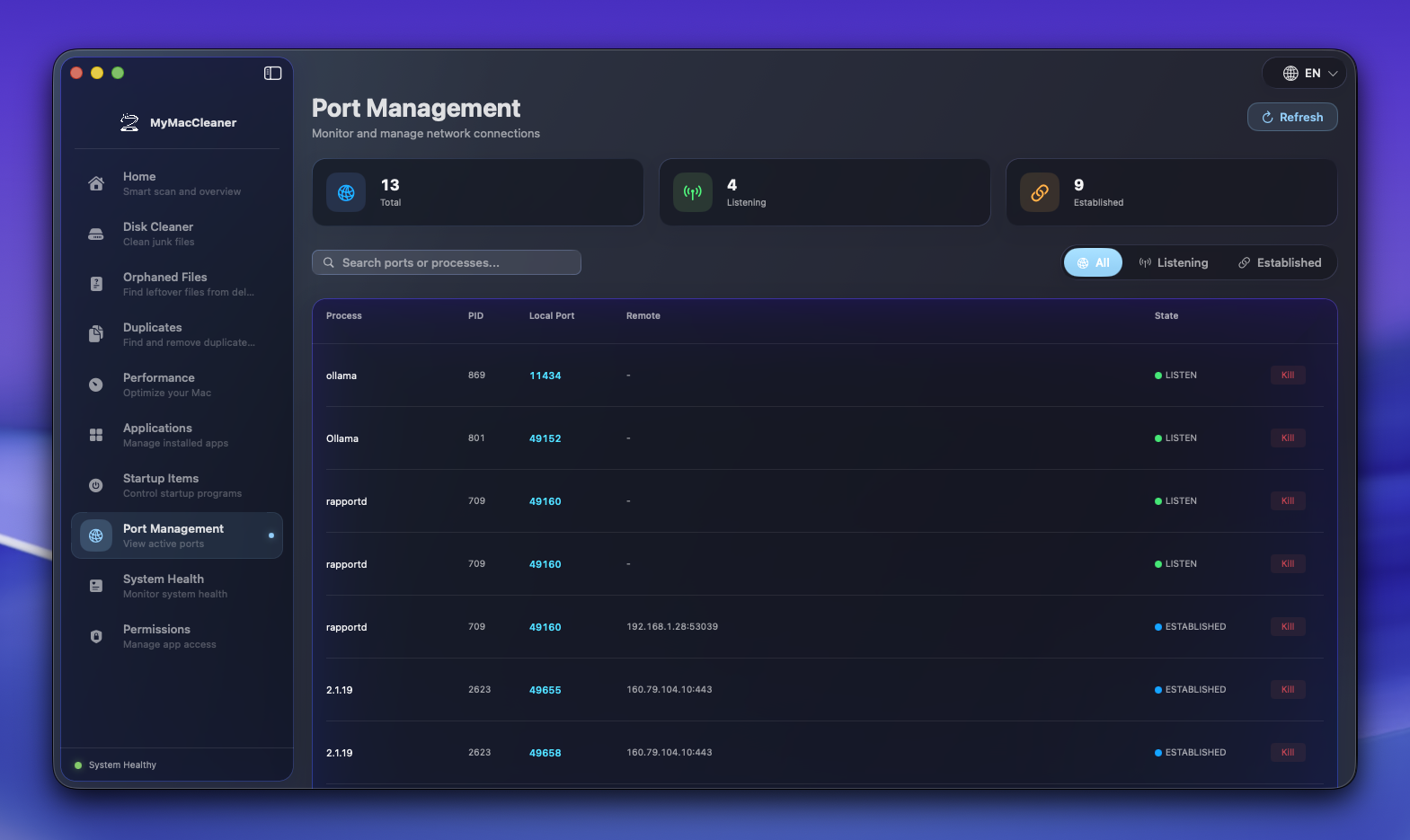
Port Management
See all network connections and ports in use. Kill processes hogging ports with one click.
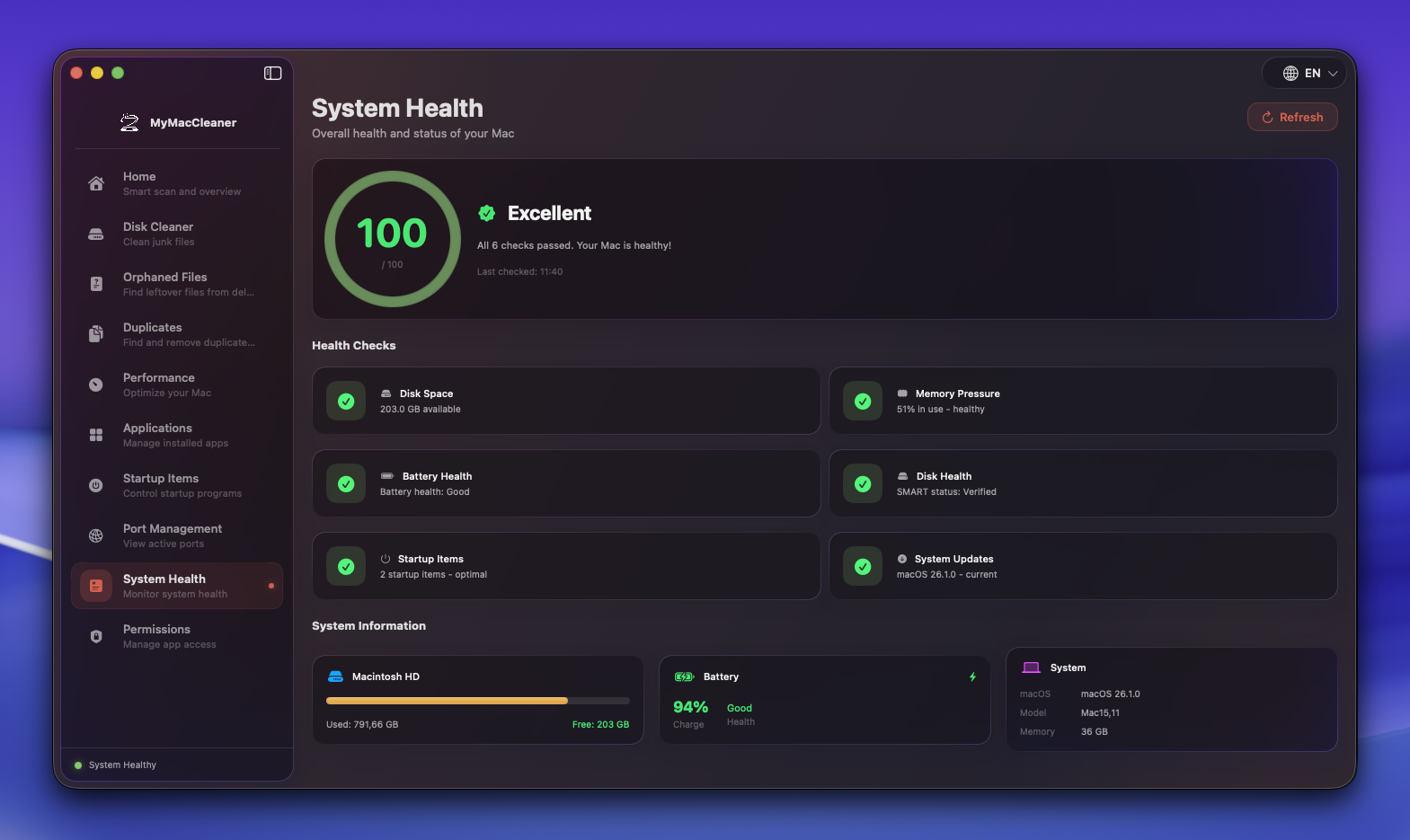
System Health
Comprehensive health score with disk, memory, and battery monitoring.
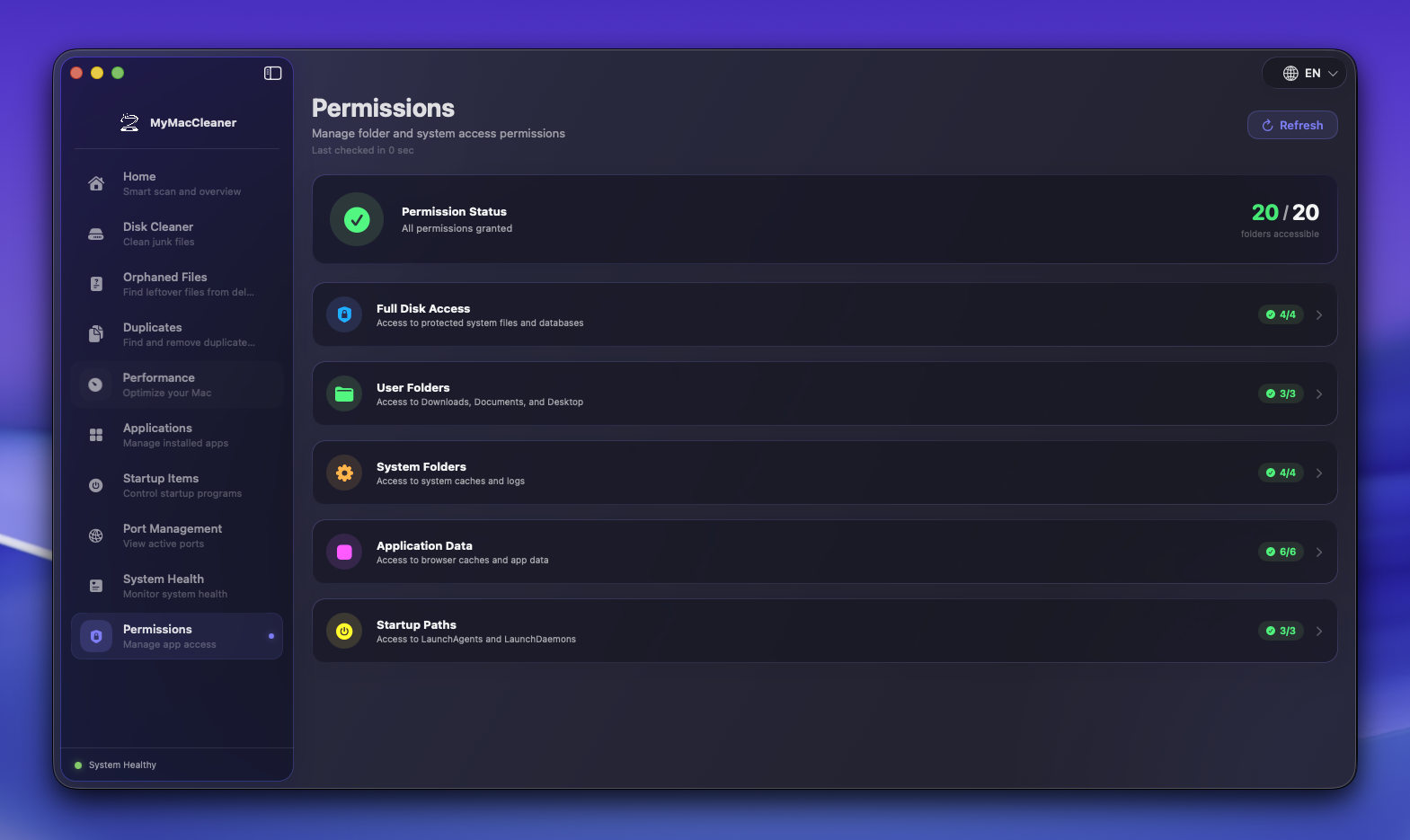
Permissions
Review and manage folder access permissions with visual status overview.
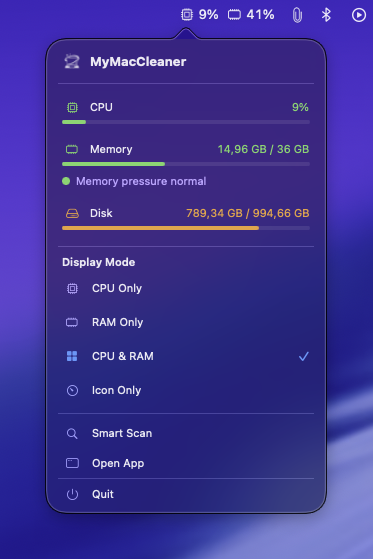
Menu Bar
Real-time CPU, RAM, and disk monitoring directly in your Mac menu bar.
Download MyMacCleaner
Free and open source. No sign-up required.

MyMacCleaner
macOS 14.0+ · Universal (Apple Silicon + Intel)
What's New
Signed & Notarized
This app is code-signed and notarized by Apple. No security warnings on launch.
Previous Releases
View changelog
Built in the Open
MyMacCleaner is open source under the AGPL-3.0 license. View the code, contribute features, report bugs, or fork it — just keep your modifications open source too.
- No telemetry or data collection
- Community-driven development
- Regular updates and improvements
- Transparent and auditable code
# Clone the repository
git clone https://github.com/Prot10/MyMacCleaner.git
# Open in Xcode
cd MyMacCleaner && open MyMacCleaner.xcodeproj
# Build and run
Press Cmd + R in Xcode